Can Dashcam Footage Help With an ICBC Claim in BC?
Author: Juan Cerna
Dashcam footage can be useful supporting information in an ICBC claim because it may show how a collision happened, the position and movement of vehicles, road conditions, traffic signals or events immediately before and after the impact.
However, dashcam footage does not automatically determine responsibility. ICBC reviews the details of each crash to decide responsibility, and video is one piece of the information that may be considered. ICBC currently allows claimants to upload photos and video footage related to an incident through its online claim-management system.
If your dashcam recorded a crash, preserve the original footage as soon as possible.
Quick Answer: Can You Submit Dashcam Video to ICBC?
Yes. ICBC's current online claim system allows supporting information including photos and video footage of the incident to be uploaded to an existing claim. When reporting an injury claim, ICBC also lists photos or video footage of the crash among the information a claimant should have available. Video may help show what happened, but ICBC still makes the responsibility decision after reviewing the complete circumstances.
What Can Dashcam Footage Show?
Depending on the camera position and recording, footage may help document:
- vehicle movements
- lane positions
- traffic-light phases and stop signs
- merging and following distance
- road conditions and weather
- impact sequence
- other vehicles involved
- events immediately after the collision
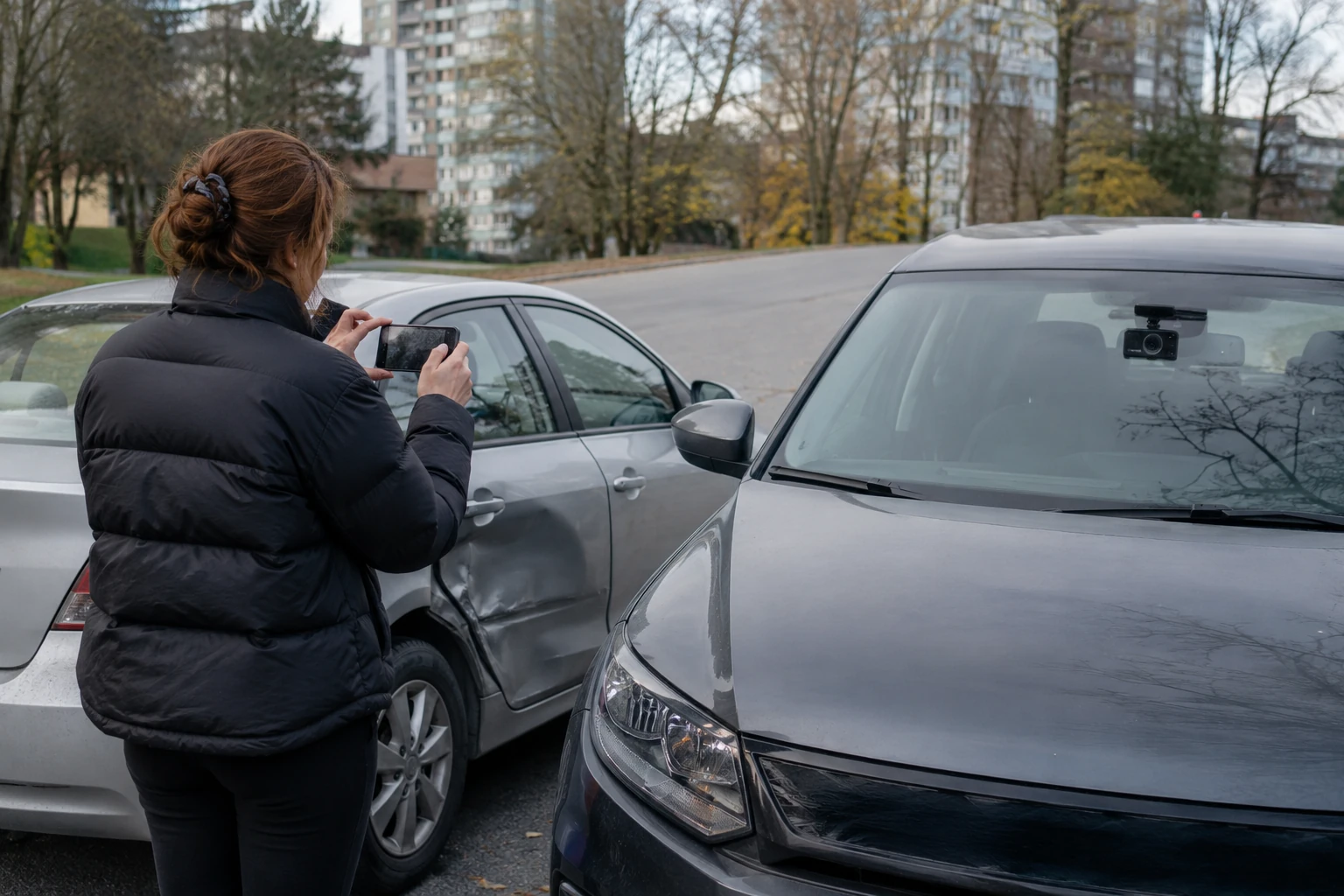
A rear-facing camera can sometimes provide information that a front-only camera misses. The value of the footage depends on what it actually captured.
Does Dashcam Footage Prove Who Was at Fault?
Not automatically. Video can provide useful evidence, but responsibility is not determined by one isolated fact. ICBC says it reviews the details of every crash to determine who is responsible and to what degree. A video may support a driver's description, clarify vehicle positions, contradict part of a recollection, show an event nobody clearly remembered or provide only a partial view.
What Should You Do With Dashcam Footage Immediately After a Crash?
1. Make sure everyone is safe
Do not sit in a dangerous roadway trying to operate the camera. Deal with injuries and immediate hazards first.
2. Prevent the footage from being overwritten
Many dashcams record continuously. Depending on the device, older recordings may eventually be overwritten. When safe, preserve the relevant file according to the camera manufacturer's instructions.
3. Keep the original file
Avoid relying only on a social-media upload, a messaging-app copy, a screen recording or a heavily compressed version. Keep the original video file when possible.
4. Make a backup
Store a second copy somewhere separate from the camera memory card—on a computer, secure cloud storage or external drive.
5. Record the context
Note the date, approximate time, location, direction of travel and which camera captured the footage. Do not change an inaccurate camera timestamp and then present the file as an untouched original. Preserve the original and explain any known clock discrepancy.
Should You Edit the Video Before Sending It?
Preserve the original file. For a claim, an unaltered recording gives the clearest record of what the camera actually captured. Avoid cutting out relevant moments, adding captions, changing playback speed, applying filters, modifying timestamps or replacing the original audio. If a shorter clip is useful for convenient viewing, retain the complete original recording as well.
How Do You Submit Dashcam Footage to ICBC?
After your claim has been reported, ICBC's online claim-management service allows you to add supporting information and documents. ICBC specifically lists photos, video footage of the incident, receipts and requested documentation among the types of information that may be uploaded. Follow the instructions associated with your own claim rather than sending footage to an unrelated email address.
Should You Post the Video on Social Media?
There is usually little claim-related benefit to publishing crash footage publicly before the matter is resolved. A better approach is to preserve it, back it up, provide it through appropriate claim channels and follow police or insurer instructions. This article is not legal advice about privacy, defamation or court evidence.
What If the Dashcam Did Not Capture the Actual Impact?
The footage may still provide useful context—for example, traffic immediately beforehand, a vehicle approaching, road conditions, a traffic signal, lane positioning or events immediately after impact. Do not delete footage simply because the exact moment of contact is outside the camera's field of view. Let the claims process determine whether it is useful.
What If Another Driver Has Dashcam Footage?
If another driver or witness tells you they recorded the collision, note their contact information if it is safe and appropriate to do so. ICBC's claim-reporting guidance asks for the contact information of people involved in or witnessing a crash, along with available photos or video footage. Do not argue at the scene over ownership of the video. Preserve contact information and report what is available.
Can a Witness Submit Video?
ICBC provides options for reporting a claim or making a witness report. It also accepts incident video as supporting documentation through relevant submission tools. That can be particularly useful when the footage comes from another driver's dashcam, nearby security cameras or a witness's device.
What If Your Video Shows Damage but Not the Crash?
Footage recorded immediately after an incident can still document vehicle position, debris, road conditions, visible damage and traffic conditions. It does not have to replace the standard damage photos. Use both when appropriate.
Should Dashcam Video Replace Photos?
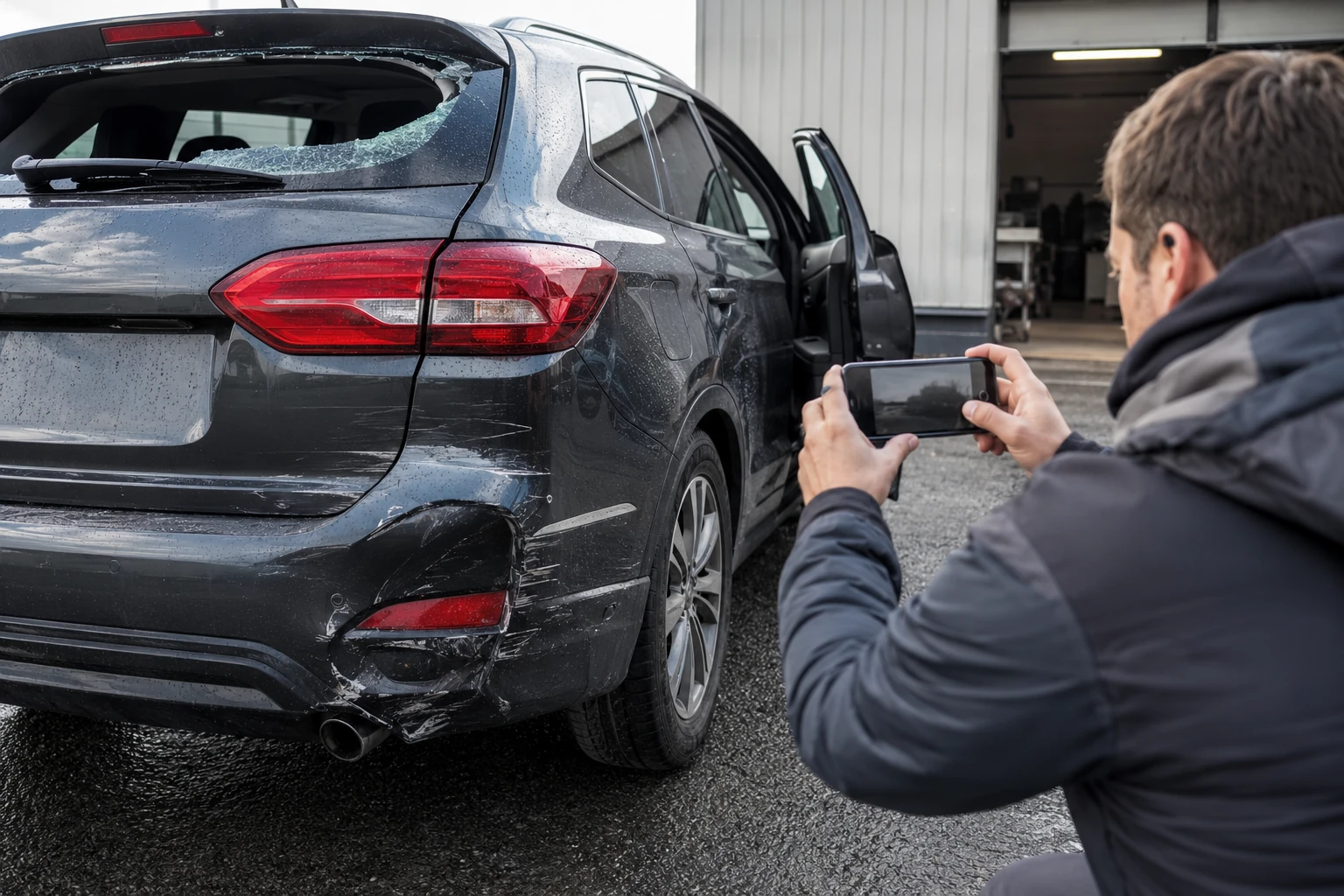
No. Video and still photos serve different purposes. Photographs can clearly document individual dents, panel gaps, broken lights, paint damage, vehicle corners, licence plates and the overall scene. Video can add motion and sequence. ICBC's current claim guidance supports both formats.
Can Dashcam Footage Affect the Repair Estimate?
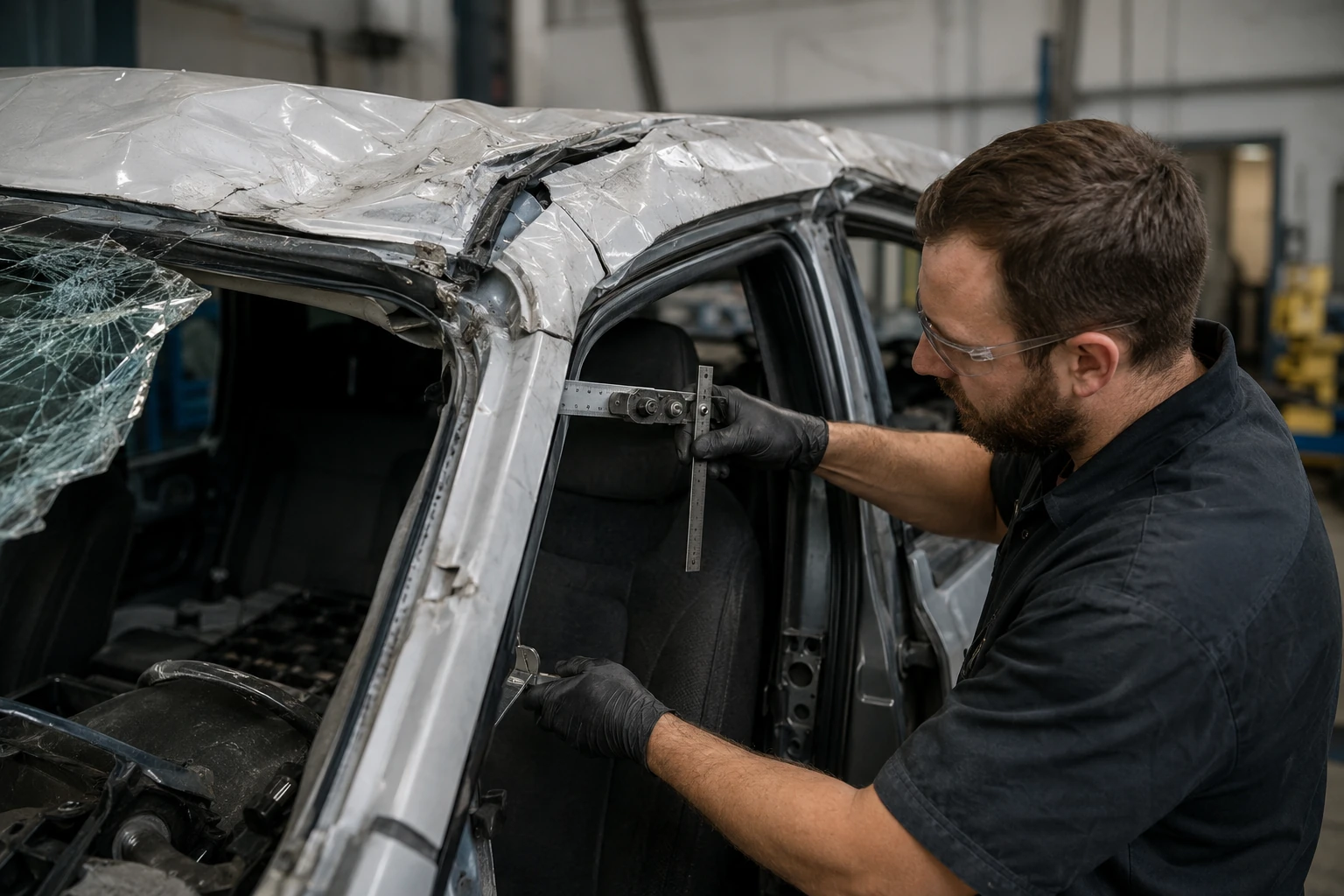
The footage and the repair estimate answer different questions. Dashcam footage may help document how the incident occurred. The repair estimate documents what happened to the vehicle and what repairs are required.
For more on the estimate process, see what happens during an ICBC vehicle damage assessment.
How Does Dashcam Evidence Fit Into an ICBC Claim?
Think of the process in these stages:
- Dashcam footage → supports the incident record
- ICBC → assesses claim responsibility and coverage
- Damage estimate → identifies required vehicle repairs
- Collision repair facility → completes authorized repair work
A Practical Dashcam Evidence Checklist
After a collision:
- preserve the original recording
- make a backup
- note the date and location
- keep footage from before and after the impact
- retain front and rear camera files where available
- preserve original audio
- do not overwrite the memory card
- take separate vehicle photographs
- report the claim
- submit requested footage through the appropriate ICBC process
Do not delay emergency care or create a roadside hazard to save a video. Safety comes first.

Dashcam Footage and Collision Repair in Surrey
Dashcam footage may help explain how a collision happened, but it does not tell a technician everything about the resulting vehicle damage. After the claim is reported, the damaged vehicle still needs to be assessed separately.
For Surrey drivers who need repair-related ICBC assistance, visit ICBC claim assistance in Surrey. Also see:
• What to do after a car accident
• ICBC claim questions to ask before leaving your vehicle at the shop
Frequently Asked Questions
Can I upload dashcam footage to ICBC?
Yes. ICBC's claim-management service currently accepts photos and video footage related to an incident as supporting information.
Does dashcam video automatically prove fault?
No. ICBC reviews the complete details of each crash when determining responsibility. Video may be one useful piece of information.
Should I edit my dashcam footage before sending it?
Preserve the original recording. Avoid altering the only copy of the footage.
Should I save footage from before the crash?
Yes. The moments before impact may provide important context about vehicle movements, traffic conditions or signals.
Can a witness provide video to ICBC?
ICBC provides witness-reporting options and accepts video footage as supporting claim documentation through applicable submission processes.
Do I still need damage photos if I have dashcam footage?
Yes. Dashcam footage shows the incident, while detailed photographs can document the resulting vehicle damage. ICBC provides guidance for submitting both photos and videos.
Table Of Contents